

Zoe's Adventure
This interactive environment is a learning game generator designed to allow teachers, instructors and learners to create activities in the field of declarative knowledge for any content or subject. Teaching on the one hand, and learning content on the other, is done by answering questions (with 2-4 answer options), while displaying content textually or as pictures. The game mechanism is similar to many games in which items must be accumulated or collected on the way to reach the game goal. The generator creates educational questionnaires suiteble for k-12 learners.
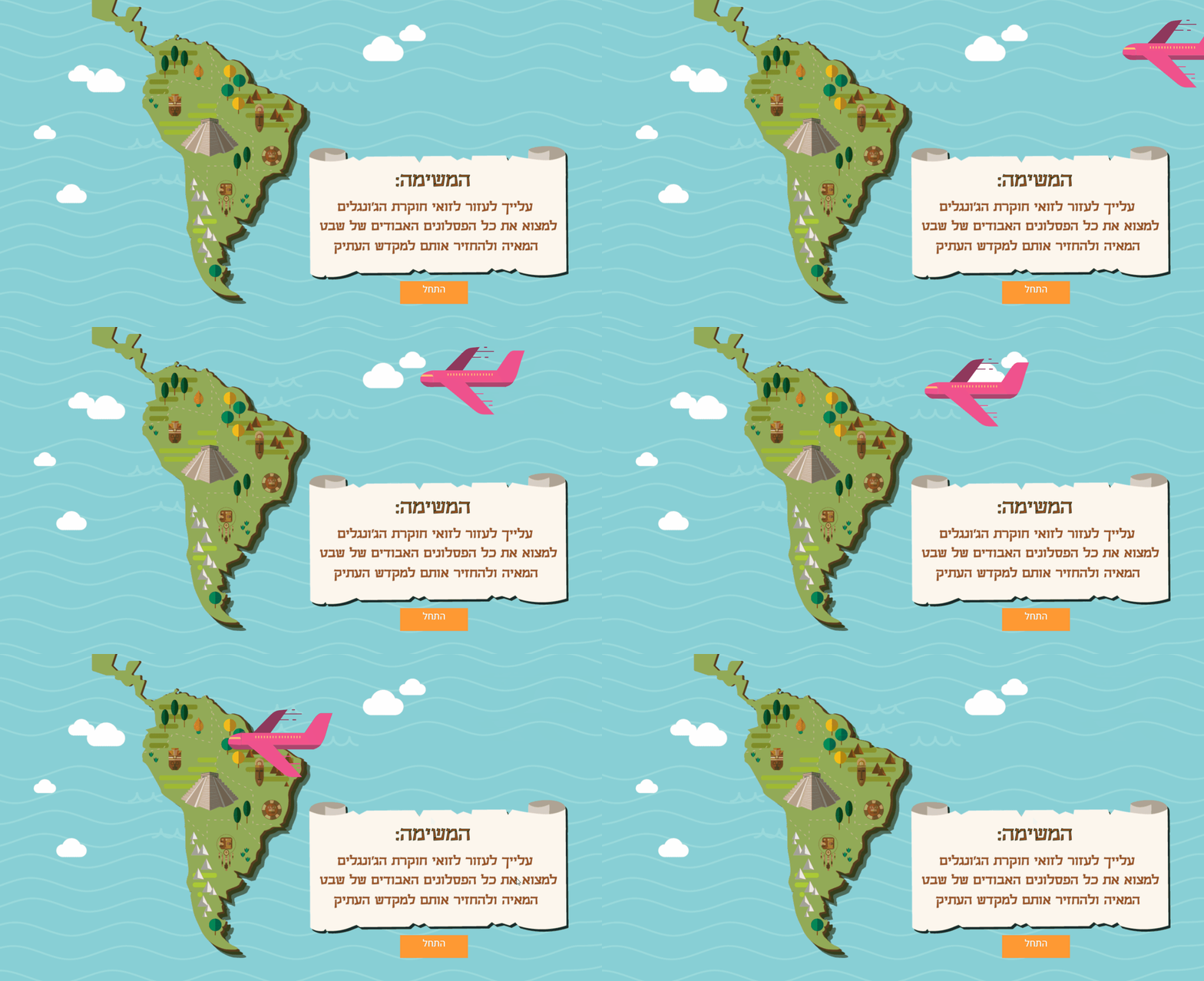
The story of the gaming environment (background story) shows an archaeologist (Zoe) who collects lost statues of the Maya tribe in the depths of the jungle. The purpose of the user (played by Zoe) is to collect statuettes and return them to the ancient temple by answering the questions correctly. Each correct answer gives the user one statuette. The number of statuettes the user shoul collect corresponds to the number of questions created by the game's editor (for example the teacher).


The editor's interface allows to create different games for the editor to choose from, while each game can have different knowledge content and game settings. Creating, editing, and changing the games are actions that are available for the editor at all times, enabling the editor to change and improve existing games as needed to match the players level of knowledge. After entering the content and answer options provided by the editor, the mechanism generates a new game for the user. Once a game is created, the game receives a fixed and unique code, which the player will enter when entering the game environment - this code will only be for that game, even if the editor changes its content. After creating 10 questions (minimum number for publishing a game), the editor will be able to run the game in the classroom, and make changes freely as needed after seeing the students (players) scores.

Tools
ANIMATE CC
HTML
CSS
C#
XML
Jquery
Illustrator
Editor side chart and user side Each diagram
shows the structure, components, and interfaces

